
The most interesting AI stack in 2026 is not necessarily the one with the largest number of SaaS subscriptions.
For technical marketing and content teams, self-hosted tools can provide something more valuable than another monthly dashboard: control over how models, search data, crawlers, workflows and editorial systems connect.
You can run models locally, orchestrate agents, crawl your own sites, inspect prompts, connect SEO data through MCP and keep the final publishing decision behind a human review step.
That does not mean every component should be self-hosted. High-quality search datasets and frontier AI models often make more sense as external services. The advantage is being able to choose where you want ownership rather than accepting an all-or-nothing platform.
Here are 12 self-hosted or open-source tools worth considering for an AI-powered content and SEO stack.
Self-hosted AI stack at a glance
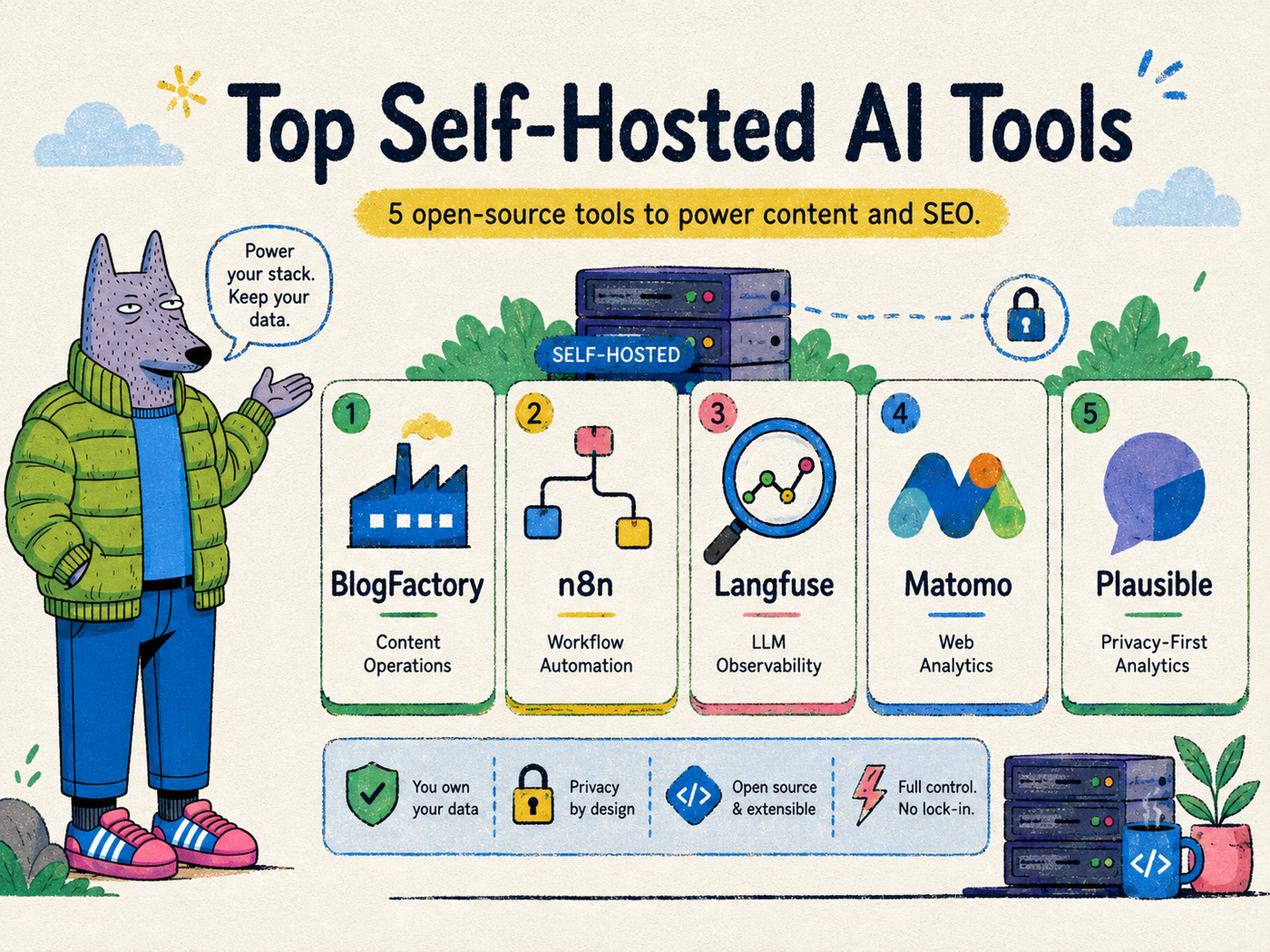
| Tool | Best for | Role in the stack |
| Ollama | Running models locally | Model runtime |
| Open WebUI | Local/private AI interface | User interface |
| Dify | AI apps and workflows | Agent/application layer |
| Flowise | Visual LLM workflows | Orchestration |
| n8n | Cross-tool automation | Workflow automation |
| Langfuse | LLM tracing and evaluation | Observability |
| Firecrawl | Web extraction for AI | Research/data collection |
| OpenSEO | SEO research and agent access | SEO intelligence |
| Scouter | AI-native technical SEO crawling | Technical SEO |
| LibreCrawl | Customizable site crawling | Technical SEO |
| Qdrant | Vector search | Retrieval/memory |
| BlogFactory | Governed content operations | Editorial execution |
The goal is not to deploy all 12. It is to understand the layers so you can choose the smallest stack that solves your actual workflow.
1. Ollama — best for running models locally
Ollama makes it relatively straightforward to download and run supported language models on your own machine or server.
For content and SEO teams, local inference can be useful for tasks that do not require the strongest frontier model:
- page classification
- content tagging
- title normalization
- entity extraction
- summarization
- clustering
- simple rewriting
- internal workflow utilities
Running locally can reduce marginal API cost for high-volume low-risk tasks and keep certain data within your own environment.
The limitation is hardware and model quality. A local model on modest infrastructure may not match a premium hosted model for complex reasoning or polished editorial work.
Best for: private or cost-controlled local inference.
2. Open WebUI — best self-hosted interface for local and connected models
A model runtime is useful, but most teams also need a friendly interface.
Open WebUI provides a self-hosted interface for working with local or connected models. It can become an internal AI workspace where users interact with models without every team member configuring command-line tools.
For marketing teams, this can be a practical adoption layer. Developers can control the infrastructure while non-technical users get a familiar conversational interface.
Best for: giving a team a private AI chat experience over self-managed model infrastructure.
3. Dify — best for building internal AI applications
Dify is designed for building AI applications and workflows rather than only chatting with a model.
That distinction matters. A useful SEO agent may need to retrieve information, call tools, evaluate conditions and return structured output rather than simply respond conversationally.
Possible marketing use cases include:
- internal content brief generators
- product-description workflows
- customer research assistants
- knowledge-grounded editorial tools
- campaign analysis agents
Best for: teams turning repeatable AI prompts into actual internal applications.
4. Flowise — best visual LLM workflow builder
Flowise offers a visual way to connect LLM components, tools, retrieval systems and agents.
It is useful for teams experimenting with multi-step AI behavior without wanting to hard-code every prototype from the beginning.
For example, a content workflow might retrieve product documentation, collect a page from the web, create a structured outline, ask a model to draft sections and route the result to another system for review.
Visual orchestration does not eliminate complexity, but it can make the architecture easier to understand and iterate on.
Best for: prototyping and operating visual agent or retrieval workflows.
5. n8n — best for automating the non-AI parts
One of the biggest mistakes in AI automation is using an LLM for jobs that should be deterministic.
You do not need a model to schedule a job, transform a known field, move a file, call a webhook or send an alert. That is where n8n fits.
A strong AI SEO workflow often combines deterministic automation with model-based judgment.
For example:
- Pull yesterday’s search data.
- Filter pages using defined thresholds.
- Send only the interesting cases to an LLM.
- Store the result.
- Create a review task.
- Notify an editor.
n8n can orchestrate that pipeline without turning the whole process into agent improvisation.
Best for: reliable automation between APIs, databases and AI steps.
6. Langfuse — best for LLM observability
Once AI becomes part of a production content system, “the prompt looked good in testing” is not enough.
You need to understand what the model is doing over time.
Langfuse provides open-source observability for LLM applications. Teams can trace calls, inspect prompts and outputs, monitor behavior and evaluate changes.
This becomes valuable when an AI system performs high-volume tasks such as:
- categorizing search queries
- choosing content opportunities
- generating briefs
- extracting facts
- drafting content
- proposing internal links
Without observability, errors become anecdotes. With traces and evaluations, they become diagnosable system behavior.
Best for: teams running AI workflows that need monitoring and iteration.
7. Firecrawl — best for turning websites into AI-ready inputs
AI research often begins with an ugly problem: web pages are not clean model inputs.
Navigation, scripts, repeated elements, dynamic rendering and inconsistent HTML can make simple extraction surprisingly unreliable.
Firecrawl is an open-source web data extraction tool designed for AI workflows. It can crawl and transform web content into cleaner formats that downstream models can use more effectively.
For SEO and content research, that can help with:
- competitor page collection
- documentation ingestion
- source gathering
- content inventories
- structured extraction
Self-hosting is possible, although the operational requirements of large-scale crawling should not be underestimated.
Best for: converting web content into usable research or retrieval data.
8. OpenSEO — best open-source SEO research layer
OpenSEO combines classic SEO workflows with newer agent-oriented access.
It can support keyword research, rank tracking, competitor analysis, backlinks, site audits and AI visibility workflows. Its MCP interface allows compatible AI agents to access SEO tools in a structured way.
This is a meaningful shift from the old workflow of exporting a CSV and uploading it into an AI chat.
Instead, the agent can query approved SEO data when it needs it.
OpenSEO still relies on external providers for many underlying datasets, which is sensible. Building a web-scale keyword and backlink index is a very different problem from building an open-source SEO application.
Best for: teams that want a self-hostable SEO workspace with AI-agent connectivity.
9. Scouter — best for AI-native technical SEO crawling
Technical SEO is an ideal use case for AI agents because crawlers produce structured evidence.
Scouter is an open-source SEO crawler with AI-oriented features and MCP support. That means an agent can work with crawl information rather than reasoning only from whatever page content a user manually pasted into a conversation.
Potential uses include asking an agent to identify groups of pages with missing canonicals, find recurring metadata patterns or investigate a section of the site after a crawl.
The AI is not replacing the crawler. It is operating over the crawler’s structured data.
Best for: technical SEO teams experimenting with agentic crawl analysis.
10. LibreCrawl — best customizable crawler for self-hosted SEO
LibreCrawl is a web-based open-source crawler that can analyze page metadata, links and technical SEO signals.
It supports JavaScript rendering and can be deployed with Docker, making it a practical building block for teams that want a crawler they can customize.
A crawler is especially valuable in an AI stack because it provides ground truth about the site. Instead of asking a model whether your internal linking “seems good,” you can give it a structured graph of actual links.
Best for: custom crawling and technical SEO data collection.
11. Qdrant — best for retrieval and semantic memory
Qdrant is an open-source vector database designed for similarity search.
It is not a content or SEO tool by itself, but it becomes useful when AI systems need to retrieve relevant information from a large internal corpus.
A content team might index:
- product documentation
- existing articles
- brand guidelines
- customer research
- support documents
- approved claims
- subject-matter expert interviews
An agent can then retrieve relevant context before generating or revising content.
The important point is to avoid treating vector search as magical “memory.” Good retrieval still depends on clean source data, useful chunking, metadata and permission boundaries.
Best for: semantic retrieval over large private content collections.
12. BlogFactory — best for governed AI content operations
The tools above can help a team research, crawl, retrieve, generate and automate. But eventually the workflow reaches a dangerous point: the AI has produced something that could become public content.
BlogFactory is designed for that boundary.
It is an open-source, self-hostable content operations platform where source context, drafts, revisions, SEO metadata, Search Console insights, review and CMS draft delivery can live in the same operating workflow.
Its MCP layer gives compatible AI agents useful authority without turning them into unrestricted CMS administrators.
The distinction is intentional:
Agent work → review → CMS draft
not:
Agent work → live production publish
That design is useful when the organization wants AI to perform more of the repetitive editorial work but still wants a human to own judgment and final publication.
Best for: teams building AI-assisted SEO and content workflows that need review, revision control and a safer CMS handoff.
A practical self-hosted AI content stack
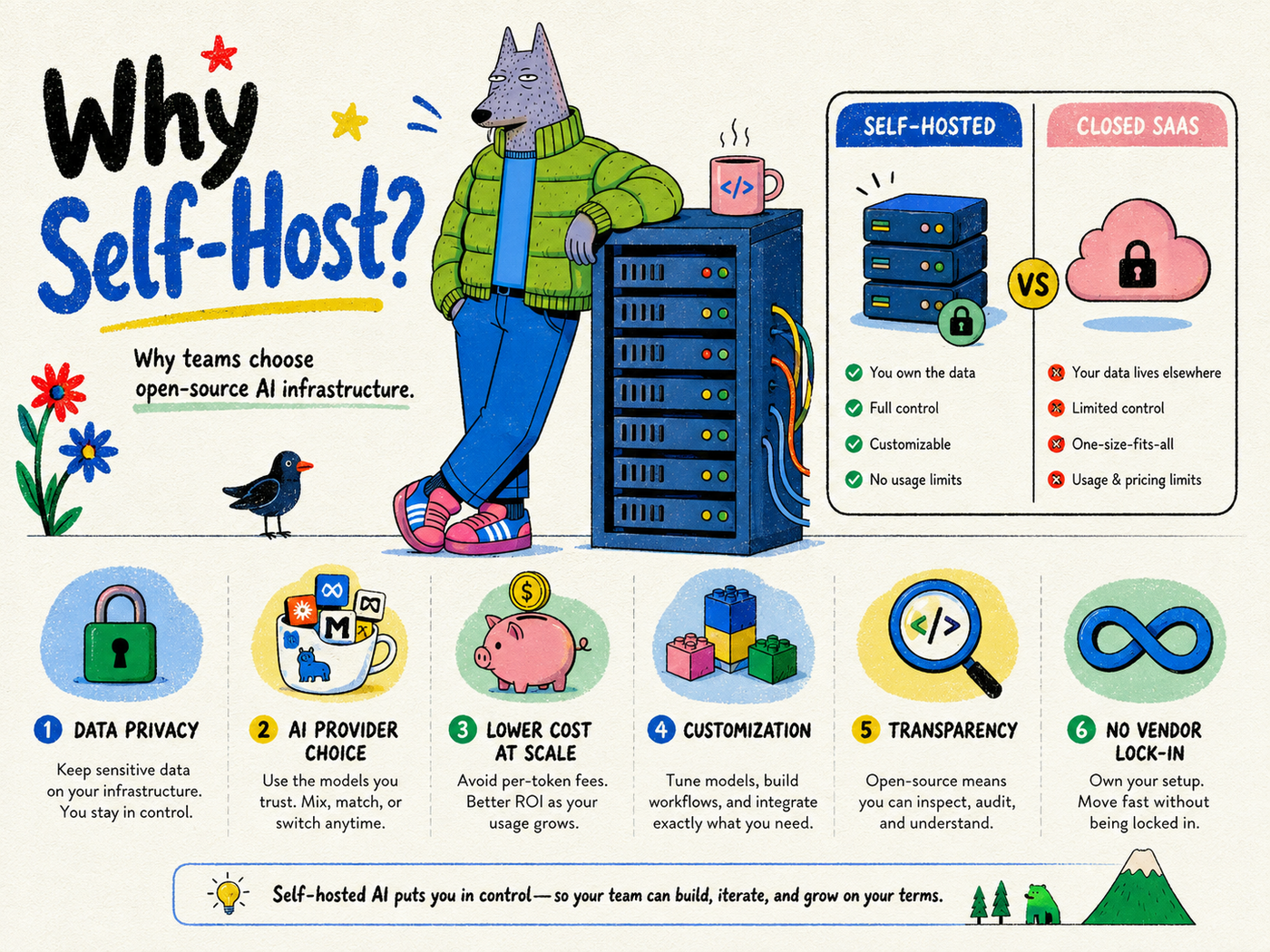
You do not need every tool in this article. A realistic stack could be much smaller.
Layer 1: Research
Use OpenSEO or another search data provider for keyword and competitor intelligence.
Use Firecrawl or a crawler when you need external or site-level evidence.
Layer 2: Model
Use Ollama for local tasks and a hosted frontier model when quality requirements justify it.
Layer 3: Retrieval
Use Qdrant if the agent needs semantic access to a large body of internal knowledge.
Layer 4: Automation
Use n8n for schedules, API calls and deterministic routing.
Layer 5: Observability
Use Langfuse if model calls are becoming important enough that you need traces and evaluation.
Layer 6: Content operations
Use BlogFactory for the editorial process between evidence, AI work, human review and CMS draft delivery.
The architecture becomes:
SEO data + sources → automation → model/agent → BlogFactory → review → CMS draft
Self-hosted does not mean everything stays offline
This is another important distinction.
A self-hosted application may still call external services you configure. You might self-host the workflow while using:
- a hosted LLM API
- Search Console
- a commercial keyword data API
- a hosted CMS
- external email or messaging services
That is still valuable because you control the orchestration and can choose which data goes where.
The more useful question is not “Is every byte local?” It is “Which parts of the stack do we want to own, and which external dependencies are intentional?”
When self-hosting makes sense
Self-hosted AI tools are particularly attractive when:
- you have engineering or DevOps capacity
- your workflow requires deep customization
- data control matters
- you want to switch AI providers easily
- usage-based APIs are cheaper than bundled SaaS pricing
- you want agents to interact across multiple internal systems
- you want to inspect how the software actually works
When SaaS is the better choice
Do not self-host simply because you can.
A hosted product may be better when:
- the team does not want infrastructure responsibility
- uptime and support matter more than customization
- the workflow is standard
- setup speed is more valuable than ownership
- the managed platform has proprietary data you cannot reproduce
The strongest stacks are often hybrid.
The real advantage is composability
The biggest reason to care about open-source and self-hosted AI is not ideology. It is architecture.
Models are changing quickly. Agent standards are changing quickly. Search behavior is changing quickly. The content stack should be able to evolve without being rebuilt from zero every time one vendor changes direction.
A composable stack lets you replace one layer at a time.
Use a different model tomorrow. Add a new SEO data provider next month. Change your CMS later. Keep the workflow logic and review model stable.
That is a much more durable way to adopt AI.
Explore BlogFactory on GitHub
BlogFactory is open source, self-hostable and built as a content operations layer for AI-assisted workflows. Inspect the code, review the MCP design, run it locally or contribute to the project.