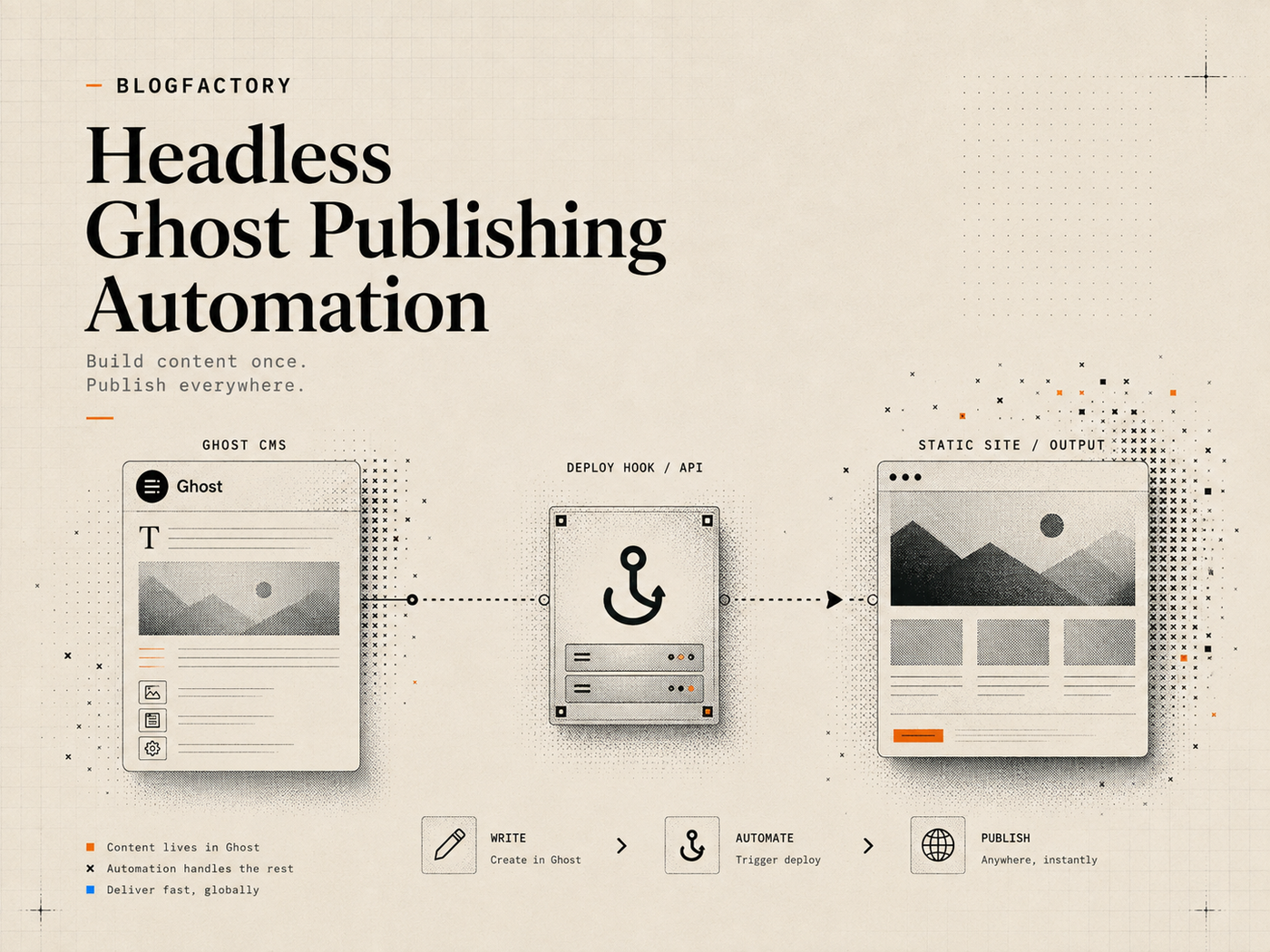
Headless Ghost publishing automation has two separate delivery systems: Ghost manages the content record, while a frontend framework or static host renders the public website. Publishing successfully in Ghost does not automatically prove that the reader-facing page has been rebuilt, revalidated, cached correctly, or made available at the expected URL.
A reliable workflow treats the Ghost status transition, frontend deployment, and public verification as distinct steps. Each step should return its own evidence and failure state.
Key points
- Ghost is the content source; the headless frontend is a separate delivery system.
- Publish the complete approved Ghost batch before triggering one deployment.
- Keep deploy hooks private, allowlisted, HTTPS-only, and free from automatic retries.
- Construct public URLs from trusted post and Page templates rather than generated destinations.
- Verify HTTP status, title, canonical URL, metadata, and image delivery after deployment.
- Report Ghost state, deployment state, and public-page state independently.
How a headless Ghost publishing stack works
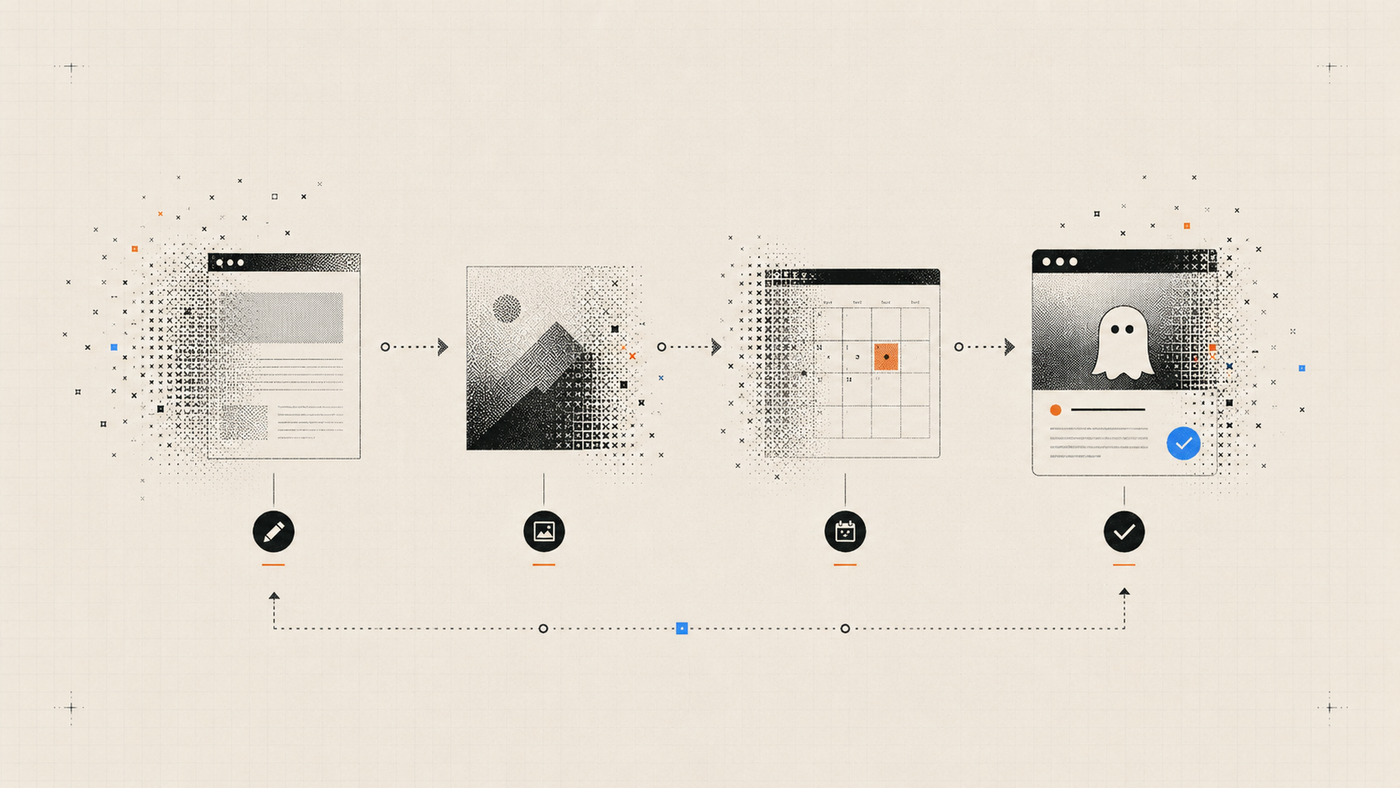
In a traditional Ghost site, Ghost stores the post and renders the public theme. In a headless architecture, Ghost still stores and manages content, but another application retrieves that content through the Content API and renders the website.[1]
The public stack may include:
- Ghost Admin for editing and publication state;
- the Ghost Content API for published content;
- a frontend such as Astro, Next.js, Gatsby, Nuxt, or another framework;
- a build or revalidation service;
- a CDN or edge cache;
- a custom domain and routing layer.
The automation must understand that each layer can succeed or fail independently. Ghost may show a post as published while an old frontend build still serves a 404. A deploy hook may return success while the build later fails. A new build may complete while the CDN continues to serve stale metadata.
Where Ghost ends and frontend deployment begins
Ghost’s responsibility is the content record and its status. The Admin API can create, update, schedule, publish, or unpublish posts and Pages. The public frontend’s responsibility is to fetch the appropriate content, generate or render routes, and deliver them to users.
Do not combine these outcomes into a single boolean called “published.” Track at least three states:
- Ghost state: the post or Page is published in Ghost.
- Deployment state: the frontend build or revalidation completed.
- Public state: the expected page is available and contains the intended output.
This distinction prevents a CMS success response from becoming an unsupported claim about the live website.
Step 1: define the public route contract
Before automating deployment, define how a Ghost slug maps to the public site. Posts and Pages may use different route structures.
Example templates include:
- posts: https://example.com/blog/{slug}/;
- Pages: https://example.com/{slug}/;
- localized posts: https://example.com/en/blog/{slug}/.
Store the templates in trusted server configuration. Require exactly one slug placeholder in an approved path and reject embedded credentials, fragments, unexpected schemes, and arbitrary hosts.
Generated content should supply the slug, not the hostname. This avoids turning a public-check feature into a general HTTP request tool.
Step 2: prepare and approve the Ghost batch
The deployment should begin only after the editorial batch is defined and approved. Every item should have an exact Ghost ID, slug, title, current status, current updated timestamp, expected public route, and required metadata.
Preflight the whole batch before the first mutation. Confirm that each item still exists, remains in the expected draft state, has not changed since approval, and belongs to the intended Ghost environment.
If one item fails, stop before publishing any item. This avoids a deployment containing only part of the intended release unless partial publication is an explicitly supported workflow.
The complete Ghost CMS automation guide explains draft, image, metadata, schedule, and batch preflight stages.
Step 3: publish posts and Pages as separate resource types
Ghost posts and Pages can share content structures, but they often use different frontend routes, navigation rules, templates, and verification expectations. Keep the operations distinguishable.
For each target:
- Send the approved Ghost status transition using the exact current revision.
- Read the item back from the Admin API.
- Record the resulting status, slug, and updated timestamp.
- Do not trigger the frontend deployment until every item in the approved batch succeeds.
If an individual publish request times out, read the current Ghost state before retrying. The post may already be published.
Step 4: configure a deploy hook safely
A deploy hook is an HTTPS endpoint that starts a build, cache revalidation, or another delivery action. It may be supplied by a hosting platform or implemented by your application.
Treat the hook URL as a secret. Anyone who can call it may consume build capacity, trigger deployments, or cause operational noise.
A controlled configuration should:
- require HTTPS outside localhost;
- reject embedded usernames and passwords;
- reject redirects rather than following them to an unapproved host;
- redact sensitive path and query components in logs;
- send one non-redirecting POST only after complete batch success;
- avoid automatic retries.
Do not allow the article body, prompt, or MCP tool arguments to replace the configured deployment destination.
Step 5: choose build, revalidation, or cache invalidation
The correct delivery action depends on the frontend architecture.
Full static build
The hosting platform rebuilds the complete site using current Ghost Content API data. This is simple to reason about but can be slow or expensive for large archives.
Incremental route revalidation
The application regenerates only the affected route or related indexes. This is faster, but the workflow must identify every page influenced by the content change, including category, author, home, RSS, sitemap, and search pages.
Dynamic server rendering
The frontend fetches Ghost data at request time or through a cache. Publication may not require a build, but cache invalidation and stale-while-revalidate behavior still affect when readers see the update.
Document which model applies. A generic “deploy” button is not enough if the team cannot explain what it changes.
Step 6: interpret the deployment response carefully
A deploy hook response may mean only that the hosting platform accepted the request. It may not mean the build finished successfully.
Classify the evidence returned:
- request accepted;
- build queued;
- build running;
- build completed;
- deployment available;
- public page verified.
If the hook returns no build identifier or status endpoint, report only that the request was accepted. Do not invent a completed deployment.
Step 7: verify the public post or Page
Public verification should occur after the deployment is expected to be available. Use the trusted URL template and Ghost slug to construct the target.
At minimum, check:
- the final HTTP status after allowed same-host behavior;
- the expected title appears in the rendered document;
- the canonical URL matches the intended public route;
- the meta title and description reflect the approved values;
- Open Graph or social-image prerequisites are present when required;
- the feature image resolves successfully;
- the page is not accidentally marked noindex.
A bounded verifier should inspect expected fields rather than crawl the whole website or claim to score editorial quality.
Step 8: handle cache and propagation delays
A page can remain stale after a successful build because of CDN caching, browser caching, edge revalidation, or a separate data cache. Verification should distinguish a temporary propagation delay from a missing route or failed build.
Use bounded read-only retries with a defined maximum and interval. Retrying a GET request is different from automatically repeating the publish or deployment write.
Report the exact observation: for example, “Ghost is published, deployment request was accepted, but the public page still shows the previous title after three checks.” This gives the operator evidence for the next action.
Failure scenario: Ghost succeeds but deployment fails
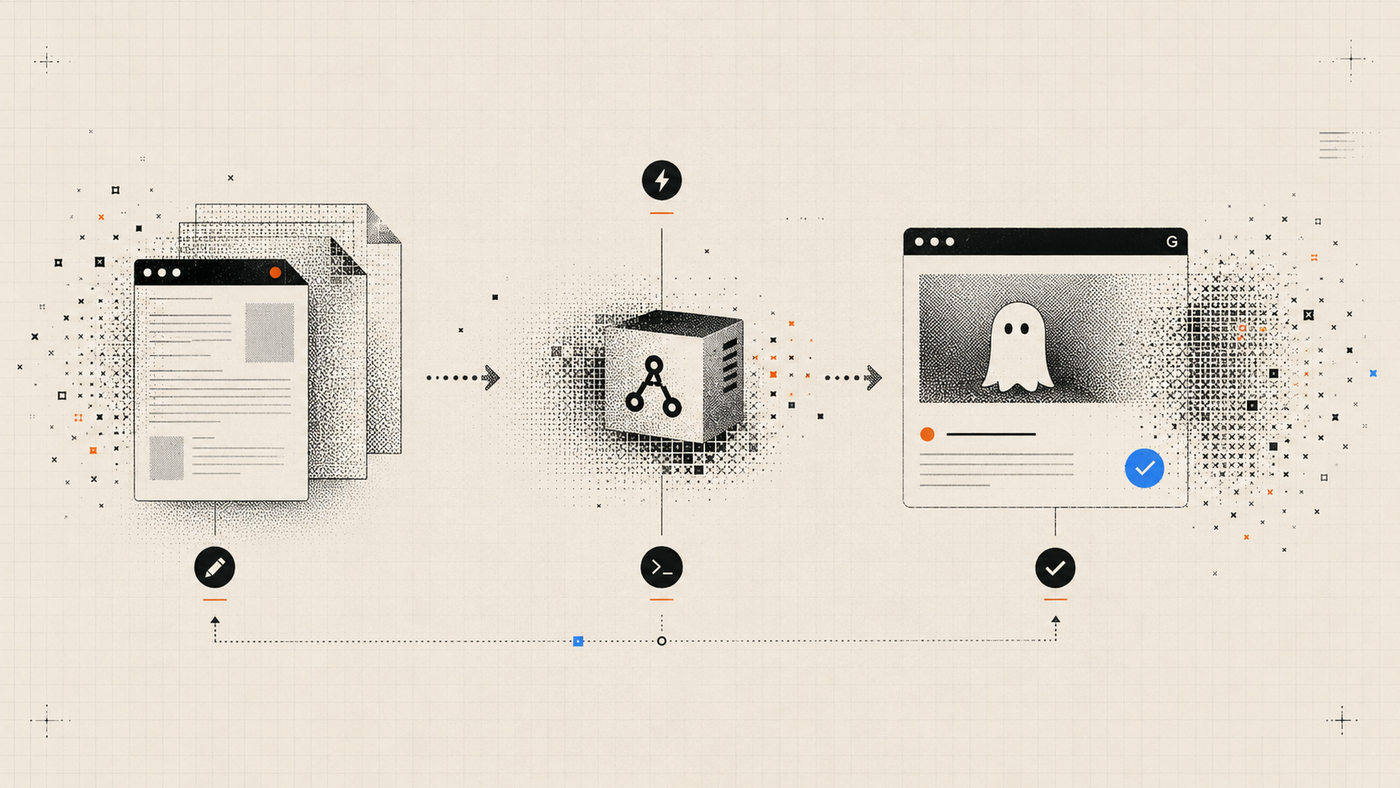
Do not automatically unpublish the Ghost content unless rollback is a defined and separately approved policy. The CMS state may be correct while the delivery system is temporarily unavailable.
Return a partial-success receipt containing:
- the Ghost items that changed successfully;
- the resulting revisions and statuses;
- the deployment request result;
- the public checks that failed or were unavailable;
- the manual or approved recovery options.
The operator can then retry only the deployment or decide to unpublish through a new explicit confirmation.
Failure scenario: deployment succeeds but the page is wrong
A successful deployment can still render the wrong article, metadata, route, or image. Possible causes include an outdated Content API cache, route collision, incorrect slug template, stale build input, missing author relationship, or frontend query error.
Compare four sources of truth:
- the approved editorial package;
- the current Ghost Admin record;
- the data returned by the Ghost Content API;
- the rendered public HTML.
This locates the layer where the mismatch begins.
Failure scenario: the public URL redirects unexpectedly
A legitimate site may redirect HTTP to HTTPS, normalize trailing slashes, or redirect an old slug to a new canonical route. A verifier should understand the publication’s expected redirect rules.
However, deploy hooks and server-side checks should not blindly follow redirects across arbitrary hosts. Restrict public checks to the configured site and report the final URL so the operator can detect a route or domain mistake.
Example headless Ghost workflow
- Research and draft the article in an editorial workflow.
- Approve the exact content revision, metadata, slug, author, tags, and image.
- Create or update the Ghost draft using revision-aware tools.
- Preflight the complete publication batch.
- Obtain explicit approval for the exact publish transitions and one deployment.
- Publish every Ghost item and verify the returned state.
- Trigger the configured deploy hook once.
- Wait for the expected delivery state or bounded propagation window.
- Check the trusted public post and Page URLs.
- Return a combined receipt that keeps Ghost, deploy, and public evidence separate.
Where Ghost Publisher MCP fits
Ghost Publisher MCP includes optional deploy-hook and public URL template configuration for headless workflows. Its publishing tools preflight exact targets, perform the approved Ghost transition, trigger one configured deployment after complete success, and expose bounded public checks.[2]
The server does not claim that a deploy-hook response proves public visibility. It separates Ghost readback, deployment behavior, and live checking.
Review the current configuration options on the Ghost Publisher MCP page and begin with read-only access before enabling publication or deployment.
When headless automation is worth the complexity
Headless Ghost makes sense when the team needs a custom frontend, several content sources, framework-level performance control, specialized routing, or integration with a broader application.
It adds operational responsibility. The team must own frontend queries, builds, caches, redirects, metadata rendering, sitemaps, images, and deployment monitoring. If a standard Ghost theme already meets the publication’s needs, removing the separate delivery layer may be simpler and more reliable.
Frequently asked questions
Does publishing in Ghost automatically rebuild a headless site?
Not necessarily. The frontend must use a webhook, deploy hook, revalidation route, dynamic rendering, or another mechanism to receive the update.
Should a deploy hook run once per post?
Usually not for a batch build. Publish the approved batch, then trigger one deployment. Route-specific revalidation may use a different design.
Can a public check prove that search engines indexed the page?
No. It can confirm that the page is publicly reachable and contains expected elements. Indexing and search visibility are separate processes.
What happens if Ghost publishes but the frontend build fails?
Report partial success, retain the Ghost receipts, and require a new decision to retry deployment or roll back the Ghost status. Do not silently claim a live page.
Can I verify Pages and posts with one URL pattern?
Only when the frontend deliberately uses the same route structure. Most sites should configure separate trusted templates for posts and Pages.
The practical takeaway
Headless publishing is complete only when the CMS record, delivery process, and public page agree.
Publish exact approved Ghost items, trigger one restricted deployment, construct URLs from trusted templates, verify the rendered result, and report each layer independently. That makes a headless workflow observable enough to recover when Ghost, the build system, cache, or frontend behaves differently from the others.
References
[1] Ghost documentation: using Ghost as a headless CMS