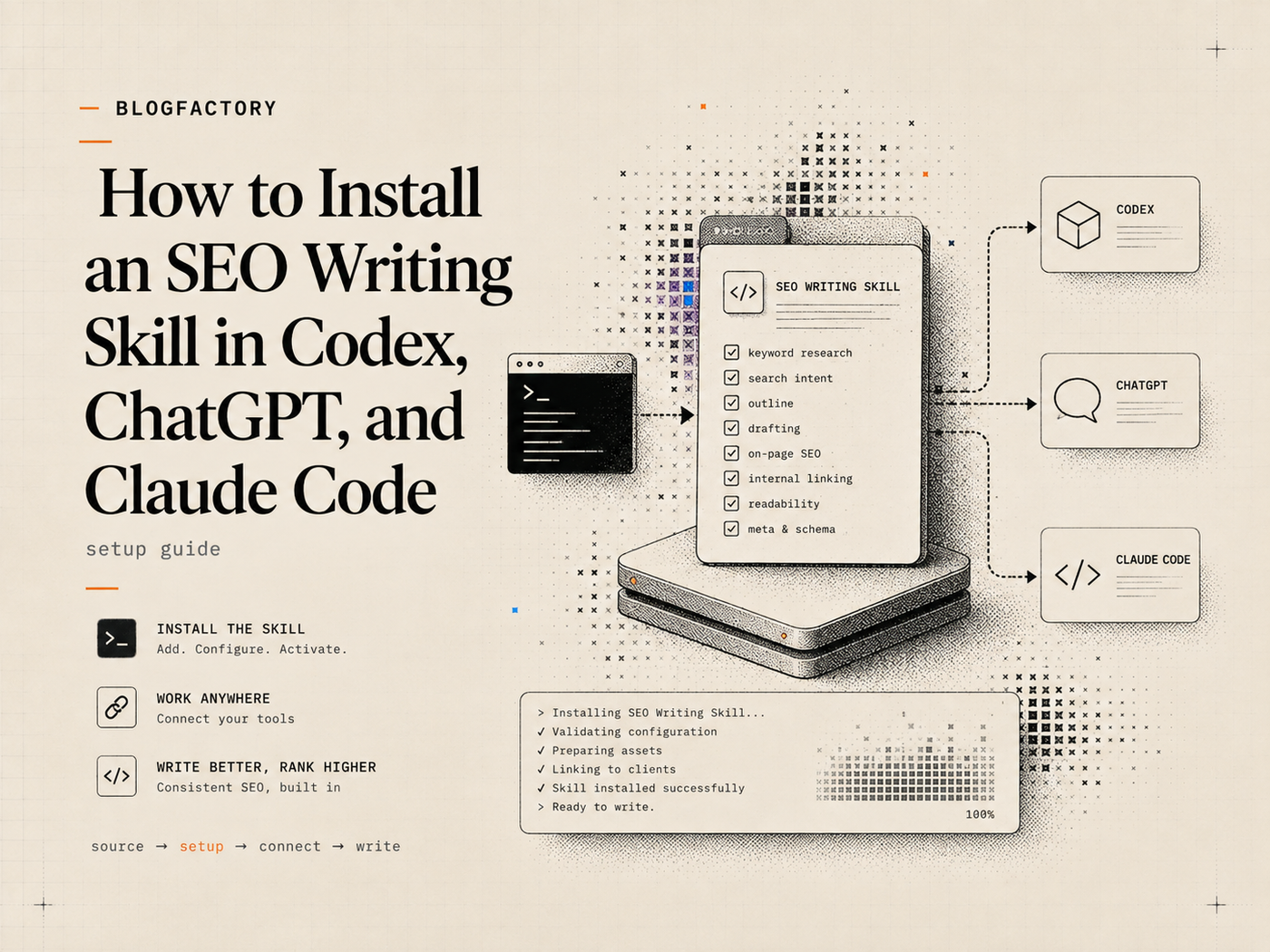
You can install a portable SEO writing skill by placing its complete skill folder in the directory used by Codex or Claude Code, or by uploading the skill bundle through the Skills interface in an eligible ChatGPT workspace. Keep SKILL.md, references, scripts, and supporting assets together.
Before installation, review the source and bundled code. A writing skill can influence research, file access, shell commands, and connected tools available to the client. Treat it as executable workflow software, not as harmless prompt text.
Key points
- Download or clone the complete skill repository from a trusted source.
- Install only the actual skill folder, with SKILL.md at its root.
- Use a personal location for all projects or a project-local location for one repository.
- ChatGPT Skills availability and upload permissions depend on the eligible account and workspace settings.
- Restart or reload the client after filesystem installation.
- Verify the skill with a low-risk audit or outline task before using it for production content.
- Update deliberately and re-review scripts, references, and workflow changes.
What is inside an SEO writing skill?
The Agent Skills format uses a directory whose core file is SKILL.md. That file contains metadata and the main workflow instructions. A skill can also include references, scripts, templates, examples, and other assets.[1]
A source-backed SEO writing skill may include:
- required brief inputs and stopping conditions;
- search-intent and duplicate-content research rules;
- source priorities and claim classifications;
- article-pattern guidance;
- metadata, excerpt, FAQ, internal-link, and image requirements;
- blocked, draft, and publish-ready rules;
- a deterministic validator.
Do not copy only SKILL.md if the workflow refers to supporting files. Missing references or scripts can change the behavior or leave validation incomplete.
Step 1: review the repository before installing it
Inspect the repository owner, license, recent commits, release history, issues, documentation, and the complete skill folder. Open every script and understand what it reads, writes, executes, imports, or sends over the network.
Check whether the instructions ask the agent to reveal secrets, modify external systems, install packages, bypass permissions, or treat untrusted web content as commands. Review references for outdated product, SEO, or platform claims.
Source-Backed Blog Writer uses a provider-neutral SKILL.md, a references directory, and a Python standard-library validator. Its repository documentation remains outside the installable skill folder.[2]
A client-side scan or warning is useful but does not replace your own security and editorial review.
Step 2: clone the skill repository
Clone the repository into a working directory:
git clone https://github.com/BlogFactoryHQ/source-backed-blog-writer-skill.git
The repository contains an installable directory named source-backed-blog-writer. That directory—not the entire repository wrapper—is the skill folder expected by filesystem-based clients.
Confirm that this folder contains SKILL.md and its referenced directories before copying or packaging it.
Step 3: choose personal or project-only installation
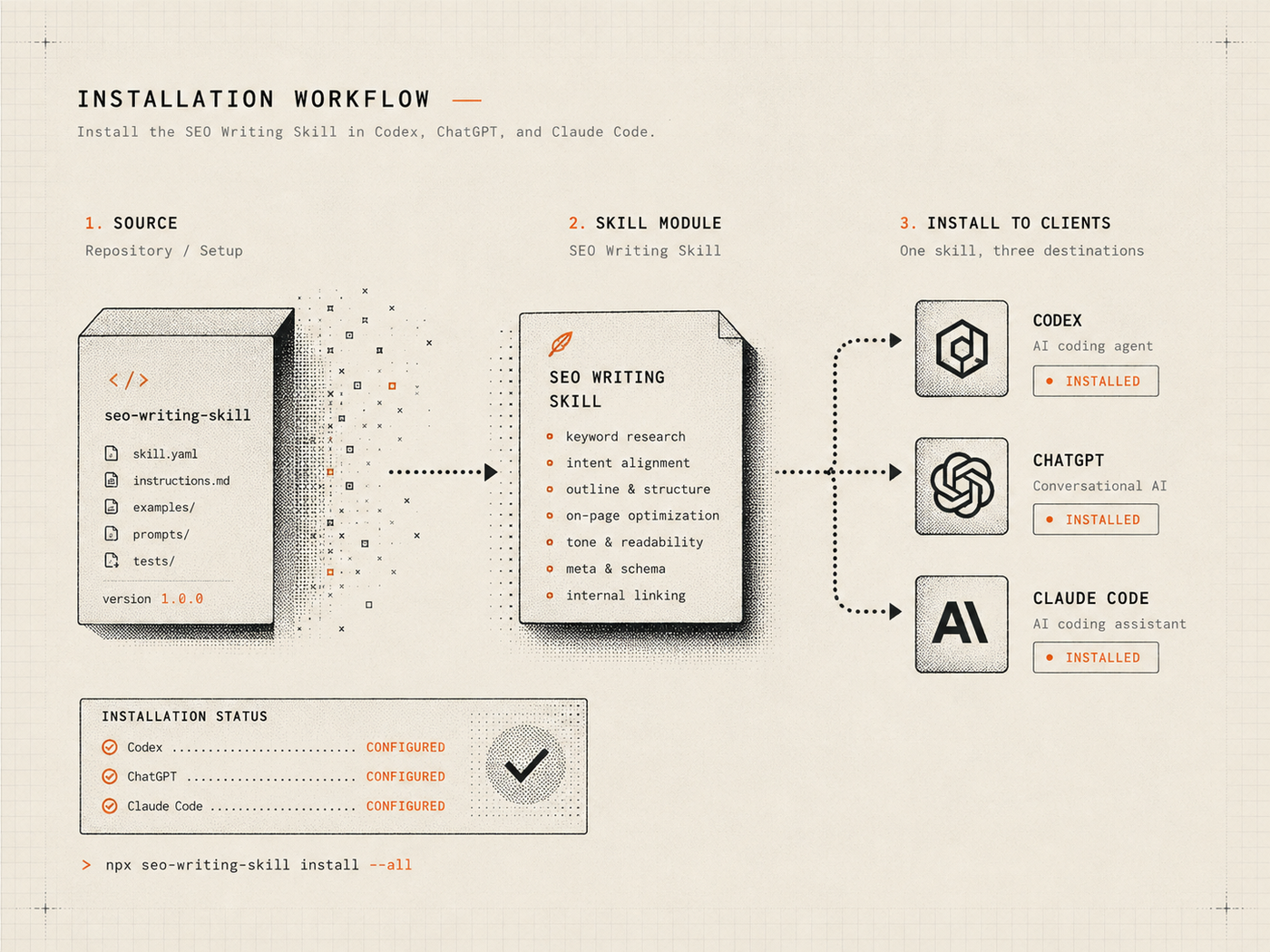
Personal installation
Use a personal or user-level skill directory when the workflow should be available across many projects. This is convenient for a general SEO method you use repeatedly.
Project-only installation
Use a repository-local skill directory when the workflow belongs to one project, needs project-specific versioning, or should be reviewed and shared with the repository team.
Project installation can improve reproducibility, but review whether the skill directory should be committed. Do not commit private sources, credentials, generated client configuration, or proprietary evidence inside a reusable public skill.
How to install the SEO writing skill in Codex
For a personal Codex installation, create the standard skills directory and copy the complete skill folder:
mkdir -p ~/.agents/skills
cp -R source-backed-blog-writer-skill/source-backed-blog-writer ~/.agents/skills/
For a project-only installation, copy the same folder into .agents/skills/ at the repository root.
Restart or reopen the Codex surface so it can discover the new skill. Explicit invocation uses the skill name, for example:
$source-backed-blog-writer
OpenAI documents skills as a Codex customization layer alongside project guidance, memories, MCP servers, and other extensions.[3] Exact interfaces can change, so confirm the current Codex documentation if discovery or invocation differs from the repository instructions.
How to install the SEO writing skill in ChatGPT
Personal Skills are generally available for eligible ChatGPT Business, Enterprise, Healthcare, and Edu users, and workspace administrators can control whether members may create, upload, share, publish, or install skills.[4] Availability may differ by account and surface.
In an eligible ChatGPT workspace:
- Open Plugins from the sidebar.
- Open the Skills tab in the Plugin Directory.
- Select Create, then Upload from your computer.
- Upload a skill bundle with SKILL.md at the archive root and its references and scripts beside it.
- Review any scan status or requested permissions.
- Install the skill and run a low-risk test.
ChatGPT scans uploaded skills. A skill may become available, require additional review, or be blocked. OpenAI explicitly advises users to review externally sourced skills because they can contain instructions, supporting files, and code.[4]
Personal Skills added on desktop and web or mobile may need to be installed separately rather than syncing automatically across surfaces.[4]
After installation, ChatGPT can use relevant installed skills automatically. Use the skill picker or explicitly name the skill when you need to force the workflow for a task.
How to install the SEO writing skill in Claude Code
For a personal Claude Code installation, create the skills directory and copy the complete folder:
mkdir -p ~/.claude/skills
cp -R source-backed-blog-writer-skill/source-backed-blog-writer ~/.claude/skills/
For a project-only installation, copy the folder to .claude/skills/ in the project.
Restart Claude Code or begin a new session after installation. Explicit invocation follows the skill name:
/source-backed-blog-writer
Claude Code can also use project instructions, commands, hooks, subagents, plugins, and MCP servers. Keep the SEO writing method in the skill and use other extension types only for the responsibilities they actually own.
How to verify that the skill is installed correctly
Do not begin with a production article or a connected CMS. Use a controlled test that reveals whether the client found and followed the workflow.
A useful first test is:
Use the source-backed-blog-writer skill to audit this short draft. Do not rewrite it. Report missing evidence, structure, metadata, and readiness.
The response should identify the selected workflow and behave like an audit rather than immediately generating a replacement article.
For a second test, provide a topic but omit proprietary evidence. The skill should stop or clearly label the missing input instead of inventing a case study.
When shell access is available, verify that the included validator runs and that deliberate structural errors cause a failure.
How to invoke the skill for a real article
A strong assignment should supply the changing context that does not belong permanently inside the skill:
- exact topic and primary keyword;
- publishing domain;
- audience, market, and language;
- brand voice and prohibited language;
- product facts and desired CTA;
- at least one verifiable proprietary fact;
- author identity and samples when close voice matching matters;
- one-shot or outline-approval mode.
For example:
Use the source-backed-blog-writer skill to plan an article targeting “AI content fact checking” for example.com. The audience is US content leads, the voice is practical, the CTA is our audit template, and our proprietary evidence is the attached review log. Use approval mode and stop after the outline.
The guide to Agent Skills vs prompts explains why the assignment brief remains necessary after installation.
How to update the installed skill
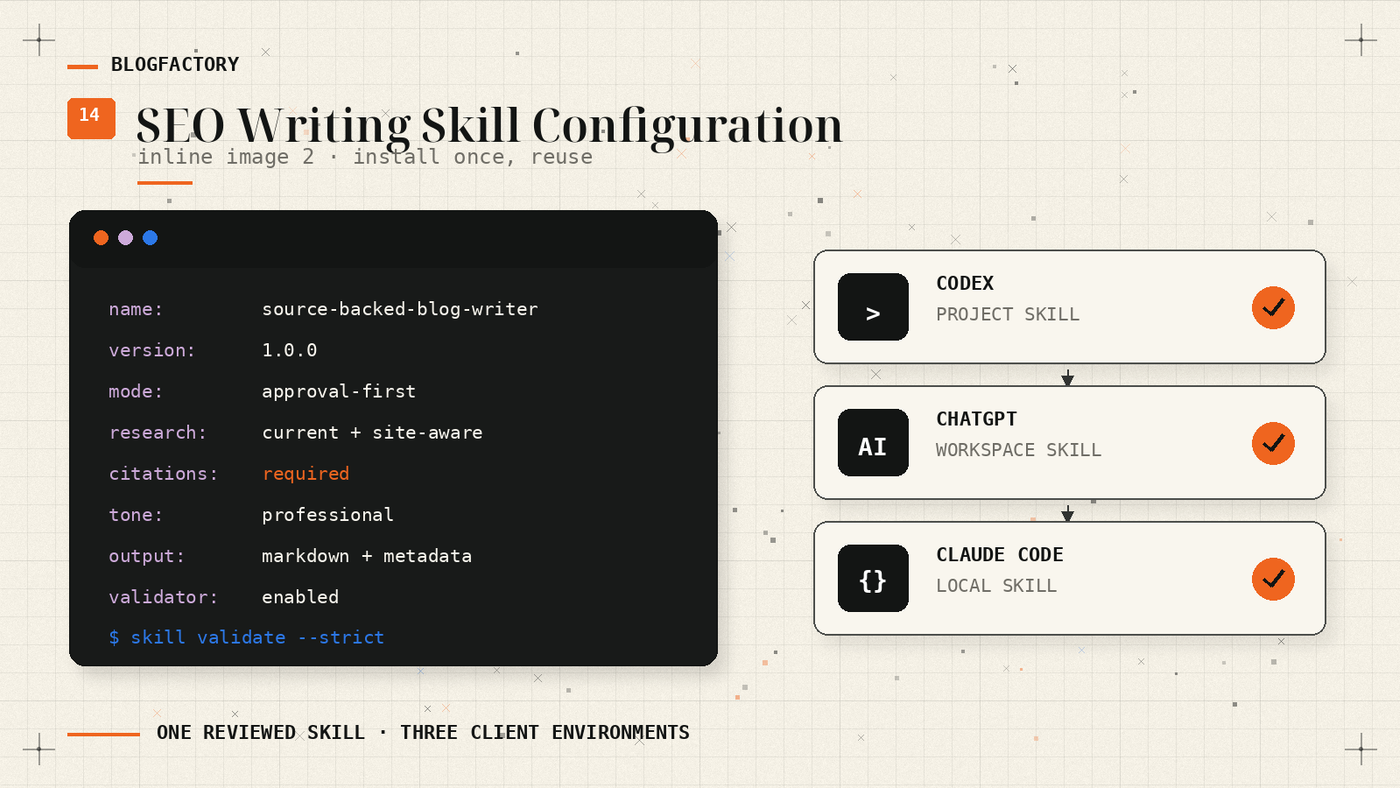
In the cloned repository, fetch reviewed updates:
git pull --ff-only
Compare the new SKILL.md, references, scripts, license, and release notes with the installed version. Re-run your evaluation tasks before replacing the production copy.
Back up intentional local edits. Copying the upstream folder over a modified installation can erase project-specific changes.
For ChatGPT uploads, create and upload a new reviewed bundle or update the skill through the current Skills editor. Confirm access and sharing settings after the update.
Pin or record the version used for important editorial workflows so an audit can identify which instructions produced a draft.
How to remove the skill
For filesystem-based clients, remove the installed source-backed-blog-writer directory from the personal or project skills path, then restart the client.
In ChatGPT, open the Skills management interface and delete or uninstall the skill according to your ownership and workspace permissions. Removing a skill does not automatically remove drafts or files previously produced with it.
Troubleshooting skill discovery
The client cannot find the skill
Confirm that the directory name matches the skill name, SKILL.md is at the folder root, and the installation path is correct for the current client and scope. Restart the client.
Only part of the workflow works
Check that references and scripts were copied with SKILL.md. Inspect file permissions and whether the host allows shell execution or web access required by the task.
ChatGPT does not show Skills
Confirm that the account is eligible, the workspace administrator enabled Skills and uploads, and you are checking the correct desktop or web and mobile surface. Personal Skills may not sync automatically between them.[4]
The skill is marked Needs Review or Blocked
Review the scan details and source. Do not attempt to bypass a blocked status. Remove or correct risky code and instructions only when you understand the reason and own the skill.
The output differs between clients
Different models, search tools, context limits, permissions, and shell environments can change the result. Use the same test brief and compare behavior before standardizing a multi-client workflow.
Security checklist for installed writing skills
- The repository and maintainer are trusted or adequately reviewed.
- SKILL.md and every script have been read.
- The installed folder contains no secrets or proprietary evidence.
- Scripts use expected dependencies and file paths.
- The client’s file, shell, web, and tool permissions are appropriate.
- CMS credentials and publication rights remain in a separate controlled integration.
- The skill has been tested with missing evidence and deliberate validation failures.
- Updates are reviewed and tested before rollout.
Source-Backed Blog Writer installation
Source-Backed Blog Writer is openly available from BlogFactoryHQ. It works independently and does not install BlogFactory or Ghost Publisher MCP, grant CMS authorization, or supply model credits.
Review the current package, compatibility notes, examples, and installation commands on the Source-Backed Blog Writer page before copying or uploading the skill.
Frequently asked questions
Can I install the same skill in Codex and Claude Code?
Yes, when the skill follows the portable Agent Skills format. Install a separate copy in each client’s configured skills directory and test both environments.
Are Skills available on every ChatGPT account?
No. Personal Skills are generally available on eligible business and education-oriented plans, and workspace administrators can control access and uploads. Check the current OpenAI Help Center for availability.
Does installing the skill install an AI model?
No. The client supplies the model and available tools. The skill supplies the workflow instructions and supporting resources.
Does the SEO skill publish to a CMS?
Source-Backed Blog Writer does not. It prepares and validates an article package. CMS delivery requires a separately authorized workflow.
Can I edit the installed skill?
Yes, subject to the license and your deployment. Keep local changes versioned and review them after upstream updates so they are not accidentally overwritten.
The practical takeaway
Installing an SEO writing skill is simple; adopting it responsibly requires more work.
Review the source, preserve the complete folder structure, choose the correct personal or project scope, verify the client discovered it, test stopping and validation behavior, and update deliberately. Then supply a real brief every time—the installed method cannot invent the audience, evidence, product facts, or editorial decision that belong to the assignment.
References
[1] Agent Skills specification
[2] Source-Backed Blog Writer repository
[3] OpenAI Codex customization overview