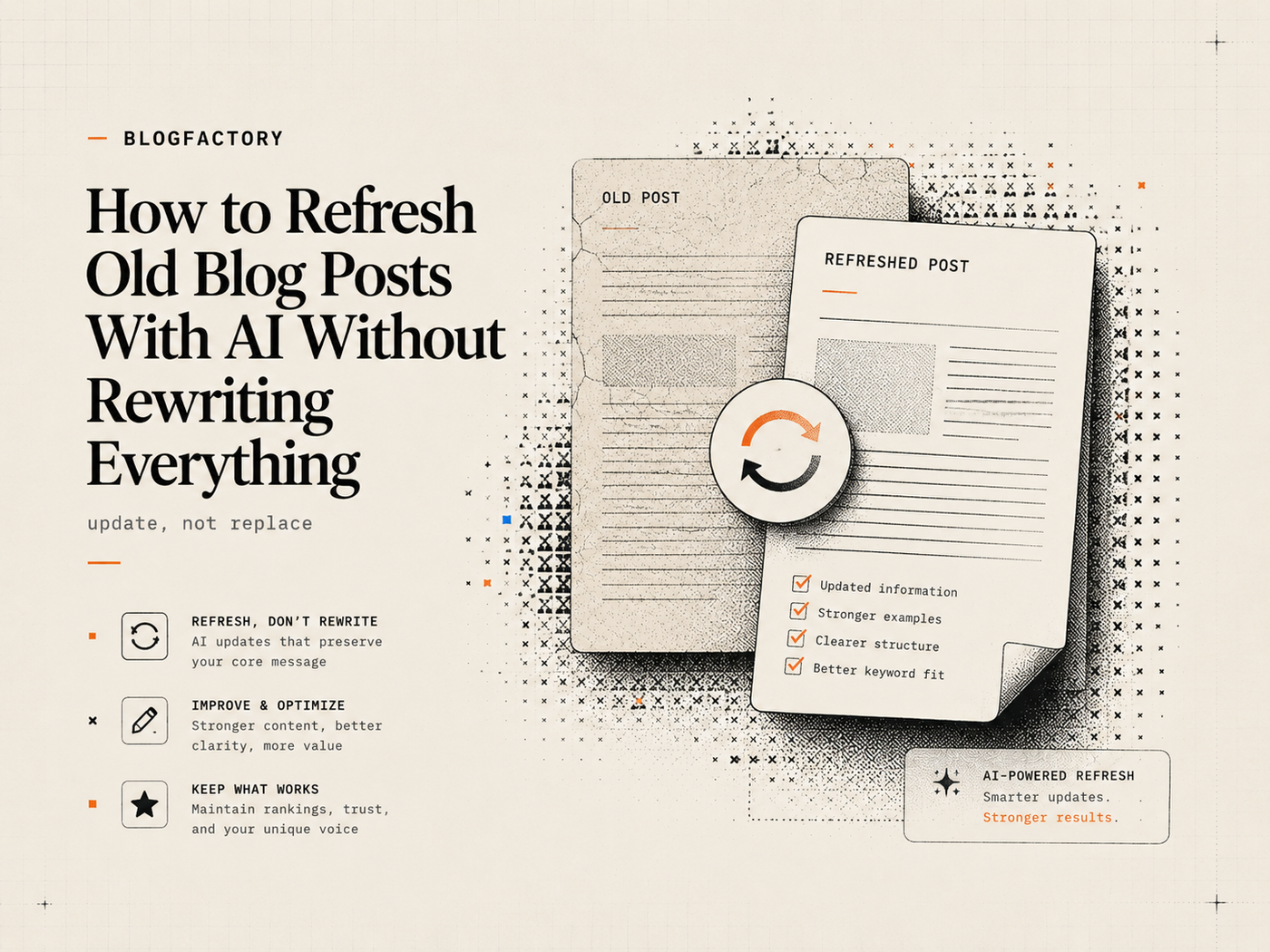
You can refresh an old blog post with AI without rewriting everything by treating the existing article as evidence, not disposable text. Preserve sections that still satisfy the reader, update stale or unsupported claims, add missing coverage, improve internal links and metadata, and document exactly what changed.
A refresh should solve a current content problem. It should not replace useful prose merely to make the article look new or change the date without substantial improvements.
Key points
- Decide whether the page needs a refresh, consolidation, redirect, technical fix, or no change.
- Use Search Console and analytics as evidence, not as proof of a single ranking cause.
- Recheck search intent, competitors, and current sources before editing.
- Preserve accurate explanations, useful examples, earned links, and proven structure.
- Update claims, dates, versions, examples, images, links, metadata, and FAQs only where needed.
- Show an updated date only when the page changed substantially and keep the original publication history accurate.
- Validate and review the exact revised version before CMS delivery.
Content refresh vs complete rewrite
A content refresh improves an existing URL while preserving useful material. A complete rewrite replaces most of the article because the original intent, structure, evidence, audience, or quality no longer supports the page’s purpose.
Refresh when the core topic and URL still make sense but facts, examples, coverage, links, or presentation have aged. Rewrite when the article answers the wrong question, targets a different audience, depends on unsupported claims, or cannot be repaired without rebuilding the information architecture.
Sometimes neither is correct. A page may need consolidation into a stronger article, a redirect after product retirement, an indexing fix, a canonical correction, or a technical performance repair.
AI is useful for inventory, comparison, source review, gap analysis, selective revision, and validation. It should not receive a vague instruction to “make this better” and overwrite everything that gave the page its history and value.
Step 1: diagnose why the post needs attention
Define the trigger for the refresh. Common signals include:
- declining clicks or impressions;
- growing impressions with a low or falling click-through rate;
- queries shifting away from the article’s current focus;
- outdated software, pricing, law, process, or examples;
- broken links, images, embeds, or metadata;
- new product capabilities or important competitors;
- reader feedback that the page no longer answers the practical question;
- overlap with newer articles on the same site.
Record the observed problem before changing the page. “Traffic is down” is not a diagnosis. It may reflect lower demand, stronger competition, seasonality, a technical issue, a ranking change, an irrelevant query mix, or an outdated article.
Step 2: capture a performance baseline
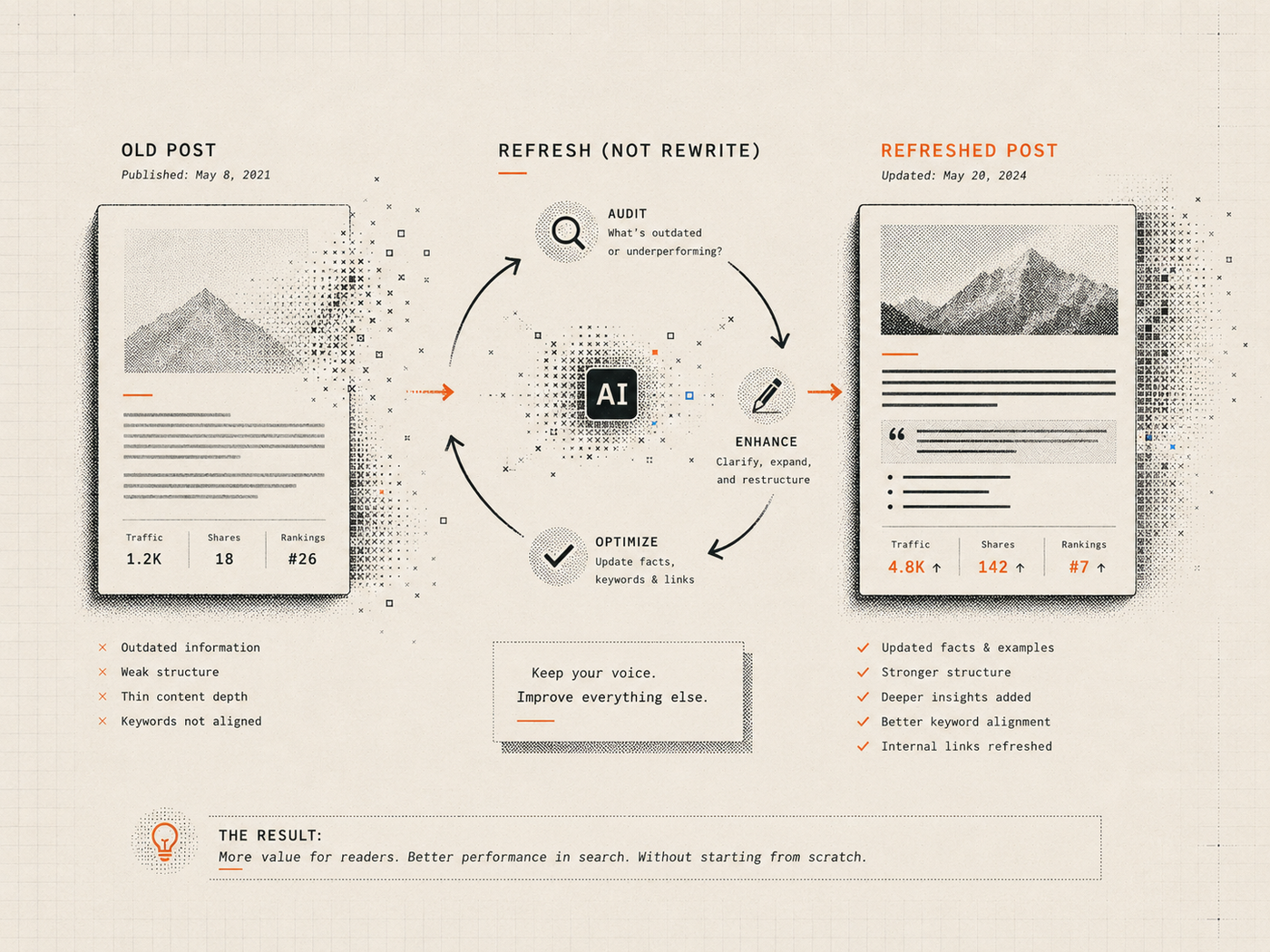
Use Search Console and analytics to understand the page before the refresh. Save the date range, comparison period, filters, dimensions, and whether the data is final or preliminary.
Useful Search Console dimensions include page, query, country, device, date, and search appearance. The Search Analytics API can group and filter performance data, although page-and-query combinations may omit some rows and returned data should not be treated as a complete causal model.[1][2]
Label each metric:
- Measured: directly retrieved from a named analytics source.
- User-provided: supplied by the content owner but not independently retrieved.
- Calculated: derived from disclosed values and a reproducible formula.
- Estimated: based on incomplete or modeled information.
- Unknown: unavailable or unreliable.
Save the baseline so the team can evaluate the post-refresh period without reconstructing old numbers from memory.
BlogFactory’s search analytics workflow is designed to connect first-party performance evidence to content actions without treating correlation as guaranteed cause.
Step 3: inspect the current page before searching competitors
Read the full article and create an inventory of its sections, claims, examples, links, visuals, metadata, authorship, dates, and calls to action.
Classify each section:
- Preserve: accurate, useful, distinct, and aligned with current intent.
- Update: useful but stale, incomplete, or weakly supported.
- Consolidate: repetitive or overlapping with another section.
- Remove: obsolete, irrelevant, unsupported, or harmful to the reader’s task.
- Escalate: requires product, legal, security, medical, financial, or subject-matter review.
This inventory protects good material from being erased simply because a model can generate different wording.
Step 4: check whether search intent changed
Search the current primary query and inspect the most relevant organic results. Compare the dominant page types, audience, questions, evidence, freshness, and action expected from the reader.
Intent may shift because the market changed. A query that once returned definition articles may now favor implementation guides, comparison pages, current product documentation, or tools.
Use Search Console queries to identify how real users currently discover the page. Look for:
- high-impression questions the page answers poorly;
- new entities, tools, or use cases;
- queries that reveal a different audience or decision stage;
- irrelevant queries that may signal an ambiguous title or section;
- branded queries better served by a product page.
If the current URL cannot satisfy the new dominant intent without abandoning its purpose, consider a separate page or consolidation instead of forcing the refresh.
Step 5: rerun the source and claim audit
Extract every material claim in the existing article. Recheck numbers, dates, quotations, prices, product behavior, versions, legal or regulatory statements, customer outcomes, and causal conclusions.
Mark each claim as:
- supported and current;
- supported but needs a new source or verification date;
- true only for an older version or market;
- overstated relative to the source;
- unsupported;
- requires proprietary confirmation.
Use the AI content fact-checking workflow to verify the exact source, scope, date, and wording.
If an older article contains a first-hand result that cannot be traced to a test, interview, or internal record, do not preserve it merely because it has been public for years.
Step 6: preserve useful original material
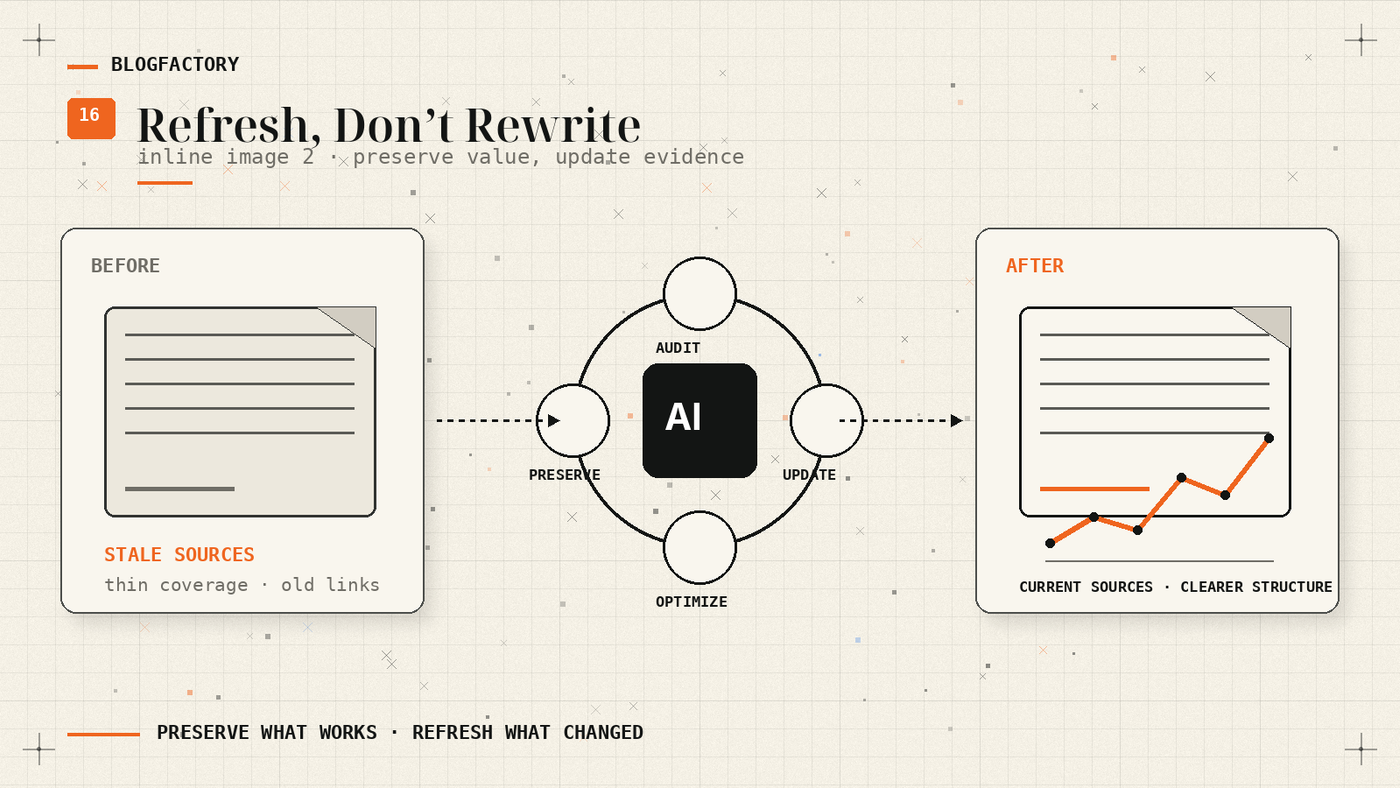
Preserve sections that remain accurate, answer the reader efficiently, demonstrate real experience, have earned links, or contain a distinctive explanation the publication still supports.
Useful material may include:
- a direct definition or answer;
- an evergreen step or checklist;
- an original diagram or example;
- a verified interview quotation;
- an established internal link hub;
- a high-performing section aligned with current queries.
Ask the AI to propose selective edits or a section-by-section plan, not a full rewrite. Require it to explain why each preserved, changed, or removed section needs that treatment.
Step 7: update stale facts, examples, and sources
Replace outdated versions, screenshots, pricing, interface steps, statistics, product names, laws, and references. If the old information remains historically useful, state the relevant period instead of silently converting it into a present-tense claim.
Use current primary sources where possible. Record the verification date for changing facts. Add a limitation when the information varies by region, plan, account, client, or deployment.
Update examples only when the new example is more useful. Replacing every named tool with the latest trend can make the article less coherent and create another short refresh cycle.
Step 8: fill meaningful content gaps
Add sections that answer current reader questions or cover important changes competitors and the existing page miss. Avoid appending generic background only to increase length.
A meaningful addition may be:
- a new failure mode or security consideration;
- a current setup procedure;
- a transparent comparison methodology;
- a real test or implementation lesson;
- an updated decision table;
- a checklist based on repeated user errors;
- a clearer explanation for the audience now reaching the page.
Every new section should have a defined reader question, evidence plan, and reason it belongs on this URL.
Step 9: consolidate repetition and competing pages
Old articles often accumulate repeated introductions, definitions, product descriptions, and FAQ answers through multiple edits. Consolidate them into one clear section.
Check the rest of the site for pages now competing with the refreshed intent. Decide which URL should become canonical, which material should be merged, and whether redirects or internal-link updates are required.
Do not delete an older page merely to make the site appear fresh. Consolidation should improve the user path and content architecture.
Step 10: improve internal links and metadata
Verify every internal link and update anchors so they describe the destination. Add links from newer related pages back to the refreshed article when it becomes the best resource for the topic.
Review:
- page title and H1 alignment;
- meta title and description;
- excerpt and social copy;
- canonical URL and slug stability;
- image alt text and captions;
- author identity and bio;
- FAQ accuracy and duplication;
- structured-data dates and fields.
Avoid changing a stable URL unless necessary. A new title or focus does not automatically require a new slug.
Step 11: handle published and updated dates honestly
Google advises against changing page dates merely to make content appear fresh when the content has not substantially changed.[3] A fresh date can make sense after a meaningful revision that adds important information or corrects the page.
When the refresh is substantial:
- keep the original publication date when the CMS supports it;
- show a clear updated date;
- use accurate datePublished and dateModified structured data;
- include the correct time zone;
- avoid deleting and republishing a slightly modified copy as a new URL.
If only a typo or broken link changed, update the page but do not imply a major editorial refresh.
Step 12: create a changes-made record
Keep an internal table with:
- Area;
- Previous;
- Updated;
- Reason;
- Evidence.
Record preserved sections as well as changed ones. This shows that the refresh was selective and gives future editors context for why useful material remained.
Also record intent changes, facts and sources updated, sections consolidated, remaining unsupported claims, date treatment, and the next recommended review.
Step 13: validate the revised article
Run the same pre-publication checks used for a new article:
- one clear H1 and logical heading structure;
- current metadata and excerpt;
- valid internal and external links;
- supported material claims and complete references;
- accurate image, caption, and alt fields;
- no unresolved placeholders;
- FAQs that do not duplicate headings;
- a readiness status that matches remaining review.
Compare the final revision with the original and the approved change plan. Ensure an AI-generated edit did not remove a critical caveat, author attribution, link, or structured field.
Step 14: publish, recrawl, and monitor
Deliver the approved revision to the CMS, verify the public page, and confirm the canonical, dates, metadata, images, and internal links.
Google may discover updated content through normal crawling and sitemaps. For a small number of important URLs, site owners can request recrawling through URL Inspection, but recrawl requests do not guarantee immediate indexing or ranking changes.[4]
Set checkpoints based on the site’s traffic and crawl patterns. Compare the same dimensions and date logic used in the baseline. Do not attribute every change to the refresh; demand, competition, seasonality, links, technical changes, and ranking systems also influence performance.
What AI should and should not do during a refresh
AI can help with
- section inventory and classification;
- query, intent, and competitor analysis;
- candidate source discovery and claim extraction;
- selective rewrites and consolidation;
- metadata, link, FAQ, and image suggestions;
- change logs and mechanical validation.
AI should not
- invent search-performance improvements;
- fabricate tests, interviews, customer outcomes, or first-hand experience;
- change the publication date to simulate freshness;
- delete useful material only to make wording different;
- overwrite a newer CMS revision without checking;
- publish the refresh without human review.
How Source-Backed Blog Writer handles refreshes
Source-Backed Blog Writer includes a refresh workflow that preserves useful material, reruns site, intent, competitor, and source checks, identifies stale claims, and changes only what the evidence or current reader need requires.[5]
The output reports intent or competitor changes, facts and sources updated, sections preserved or consolidated, remaining unsupported claims, date treatment, and a suggested next review. It also requires a changes-made table.
The skill does not claim expected performance gains unless analytics exist, and it labels metrics by evidence type.
Review the workflow on the Source-Backed Blog Writer page.
Frequently asked questions
How often should old blog posts be refreshed?
Review frequency should match change risk and business importance. Software, pricing, laws, and current data need more frequent checks than stable conceptual or historical content.
Should I rewrite a post when traffic falls?
Not automatically. Diagnose demand, query mix, competition, technical issues, links, seasonality, and intent before choosing a content action.
Can I change the date after a small edit?
A correction can be published without presenting the page as substantially refreshed. Use a new visible updated date when meaningful content changed and keep datePublished and dateModified accurate.
Should I keep the same URL after a refresh?
Usually, when the page retains the same core topic and intent. Change URLs only for a clear architectural reason and implement the appropriate redirect and internal-link updates.
Can AI decide which sections to preserve?
AI can propose a classification based on evidence and current intent. A human should approve removals involving original experience, legal context, product positioning, or sections with known business value.
The practical takeaway
A good refresh is selective, evidence-backed, and traceable. It respects what the article already does well while correcting what time, the market, or the original process got wrong.
Diagnose the need, save a performance baseline, audit the existing page, recheck intent and sources, preserve useful sections, update stale claims and examples, fill meaningful gaps, consolidate overlap, improve links and metadata, handle dates honestly, record the changes, validate the exact revision, and monitor without inventing causation.
References
[1] Google Search Console API: getting performance data
[2] Google Search Analytics query method
[3] Google: creating helpful, reliable, people-first content